Overview
Computational thinking is a problem-solving framework that helps students break down complex challenges into manageable steps using the logical approaches that underlie computer science. For educators, it is not simply a technology skill but a transferable way of thinking that encompasses decomposition, pattern recognition, abstraction, and algorithmic design. Research consistently shows that students who develop computational thinking skills become more systematic and creative problem-solvers across all subject areas, not just in math or technology class. When teachers embed computational thinking into their instruction, they give students a versatile toolkit that prepares them for an increasingly automated and data-driven world. The activities below showcase a range of tools and projects that bring computational thinking to life in the classroom, from block-based coding environments to collaborative digital media.
 Click to open newsletter
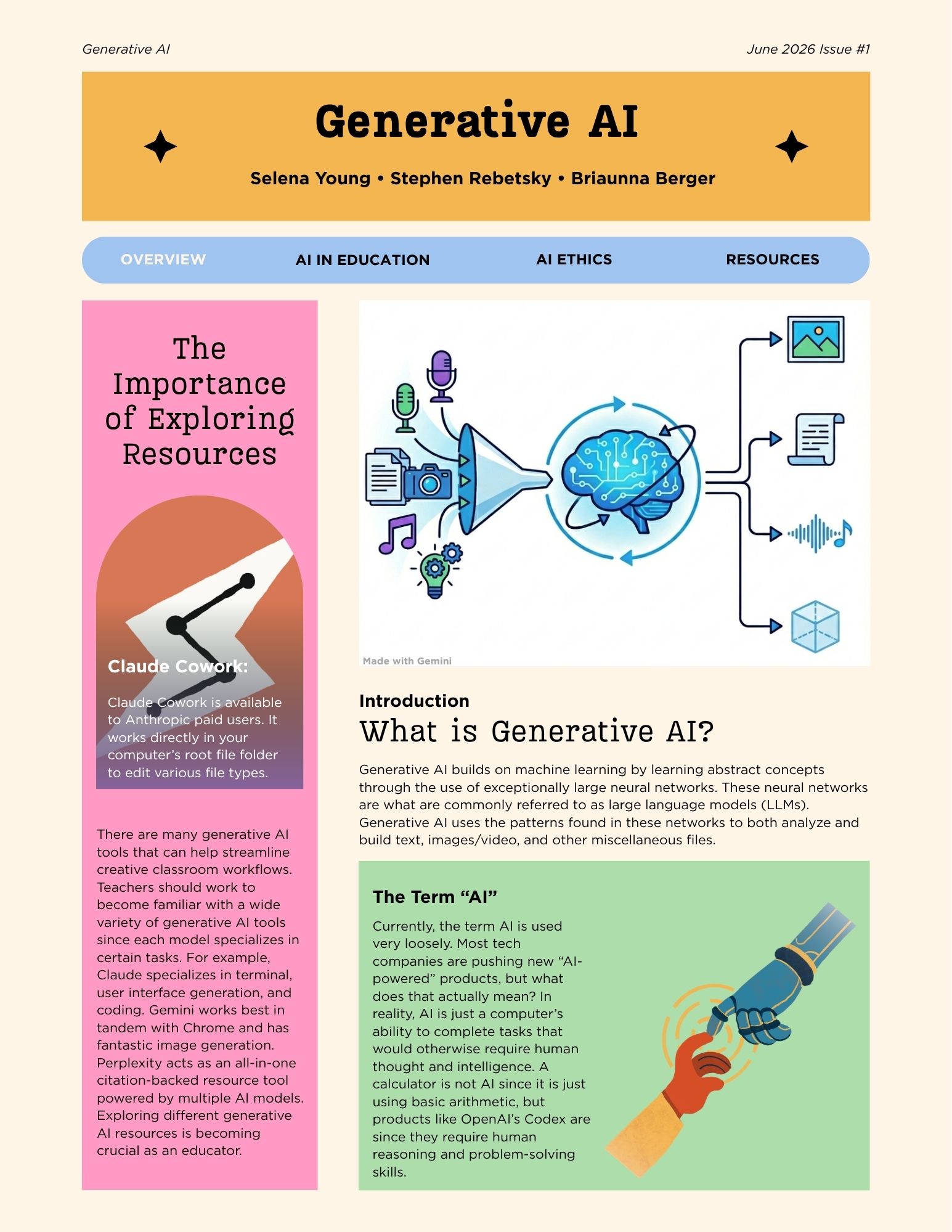
This Generative AI Newsletter was created collaboratively by me and my colleagues as an educational resource for teachers and school staff who want to better understand artificial intelligence. The newsletter explains what generative AI is from an educator's perspective, breaking down how these systems are trained, what they can and cannot do, and why they are becoming increasingly relevant in schools and classrooms. It explores practical ways that educators can use generative AI tools to support instruction, differentiate learning, and streamline planning tasks while remaining thoughtful about their limitations. Canva is a free online design platform used to create graphics, presentations, documents, and publications like this one, offering drag-and-drop tools along with a large library of templates, images, and fonts that make polished design accessible to anyone. Click the button below to visit the Canva home page, where you can explore the design tools we used to build this publication.
Visit Canva
→
 Click to view project
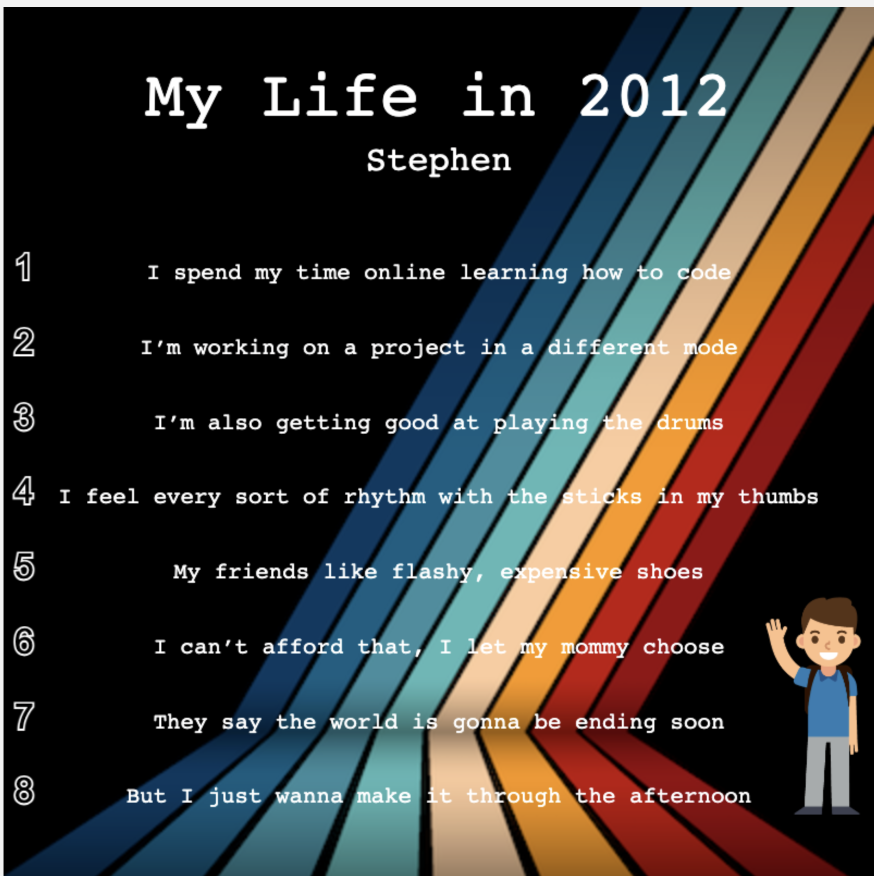
Code.org is a nonprofit organization that provides free computer science courses for students and teachers spanning kindergarten through high school. Its platform is built to be accessible to all learners, regardless of prior coding experience. The Time Capsule project on Code.org invites students to write a personal poem or letter about their current life, then animate it using Sprite Lab, a block-based coding environment built directly into the Code.org platform. My time capsule poem reflects on my life in third grade, capturing the memories, interests, and experiences that defined that year for me in a personal and creative way. Sprite Lab is a block-based coding environment where students animate characters and build interactive projects using visual blocks instead of typed code. It makes programming approachable for younger learners while still producing creative, shareable results. This project is a great example of how a single activity can connect creative writing, digital storytelling, and computer science all at once. Click the button below to explore the Time Capsule Coding Tutorial on Code.org and try the activity for yourself.
Time Capsule Coding Tutorial
→
Scratch is a free, block-based programming language developed by the MIT Media Lab for students to build interactive stories, games, and animations. It requires no prior coding knowledge, making it a practical tool for teachers and students across a wide range of subjects. The project embedded above is an interactive acronym that I designed and built in Scratch. Each letter is programmed to respond when a user interacts with it, demonstrating how even a simple concept can become a dynamic digital experience. Click the button below to visit the Scratch home page and explore thousands of community-created projects and free classroom resources.
Visit Scratch
→
 Click to view review
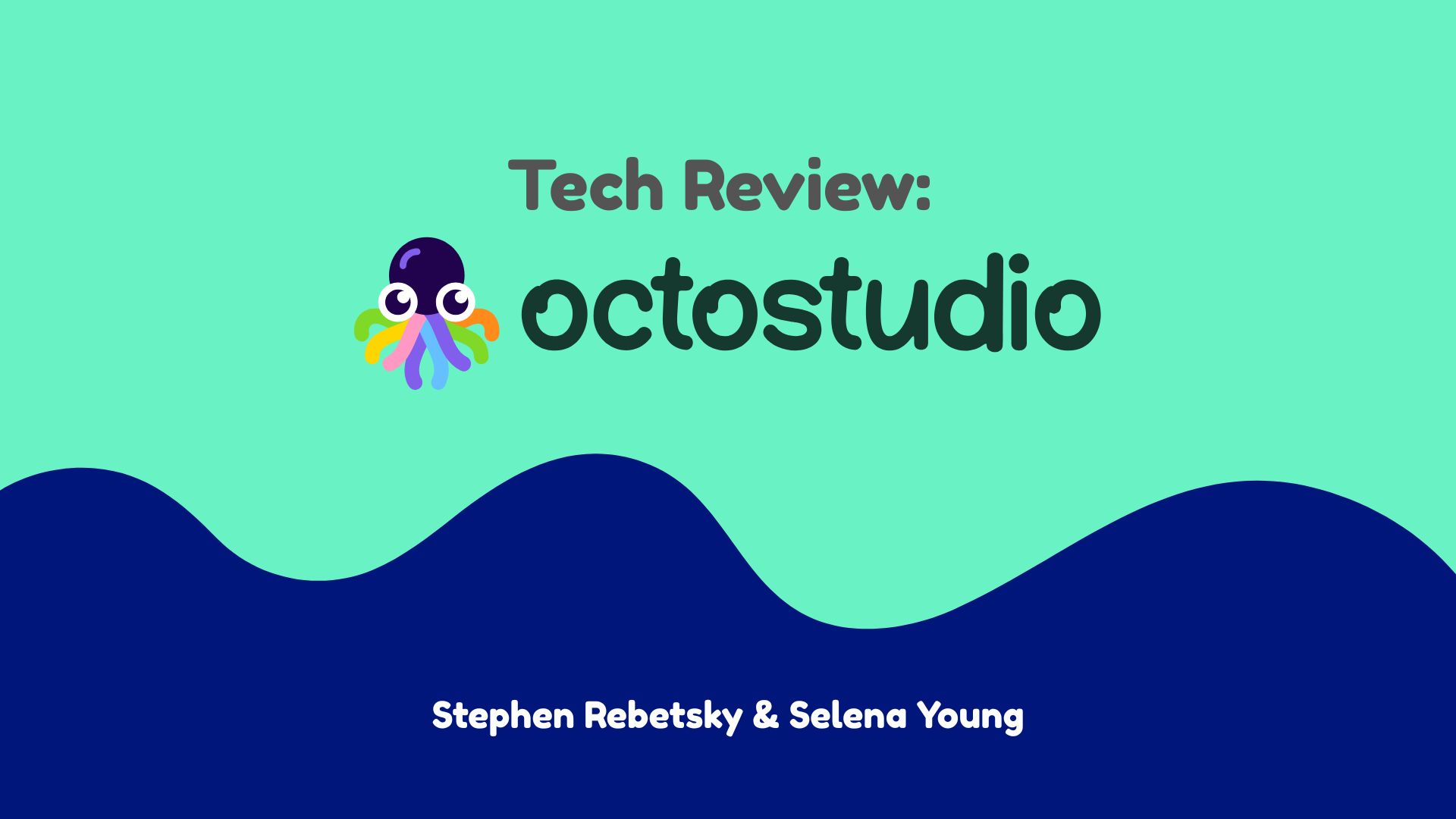
OctoStudio is a free mobile coding app from the MIT Media Lab, the same team behind Scratch, designed for students to build interactive projects on their smartphones or tablets. It uses a block-based interface and lets students incorporate device sensors like the camera and microphone directly into their projects. This technology review was conducted by me and a colleague as part of a graduate course evaluating digital tools for classroom use. The review examines OctoStudio from an educator's perspective, considering factors such as ease of use, curriculum alignment, and practical classroom applicability. Click the button below to visit the OctoStudio home page and learn more about bringing this tool into your classroom.
Visit OctoStudio
→